
Scan the QR code below to pay via any UPI app, then tell us what you paid. Once admin verifies the payment, it's added to your wallet.
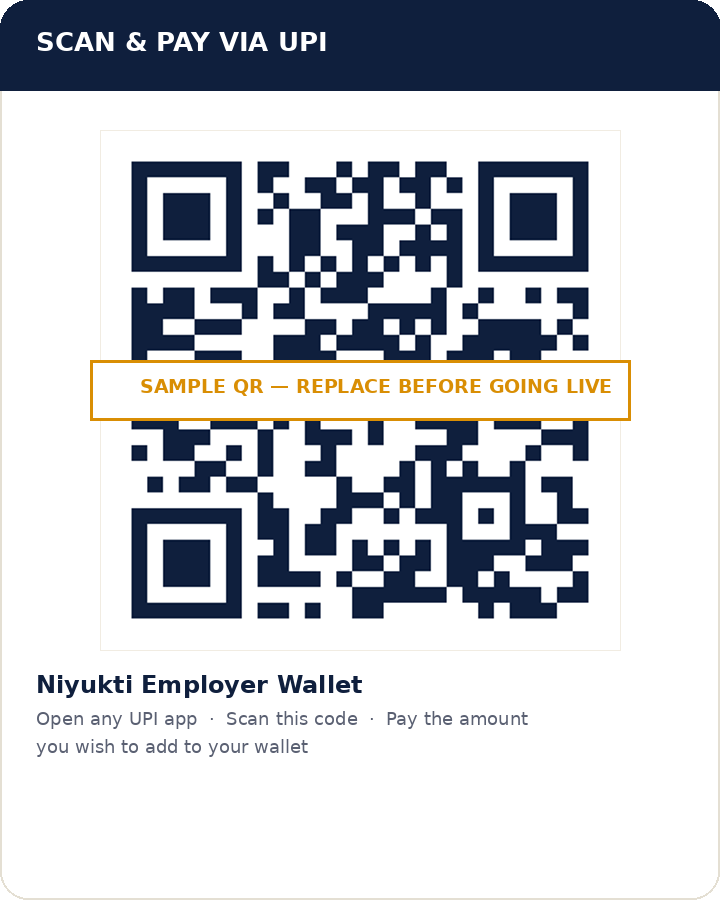
img/upi-qr-card.png with their real UPI QR code (exported from their bank or UPI app) before accepting live payments.
Open your UPI appGoogle Pay, PhonePe, Paytm, or your bank's app — any UPI app works.
Scan the QR codePoint your camera at the QR code on the left and enter the amount you want to add to your wallet.
Complete the paymentConfirm the payment in your UPI app and note the amount paid.
Submit the form belowTell us your email and how much you paid. Your request goes to the admin for approval.
Wallet gets creditedOnce admin approves your request, the amount is added to your employer wallet and you'll receive a confirmation email.
This creates a top-up request for admin review — your wallet is updated only after approval.
If your wallet hasn't been credited within 24 hours of a successful payment, contact help@niyukti.uno with your transaction reference.